
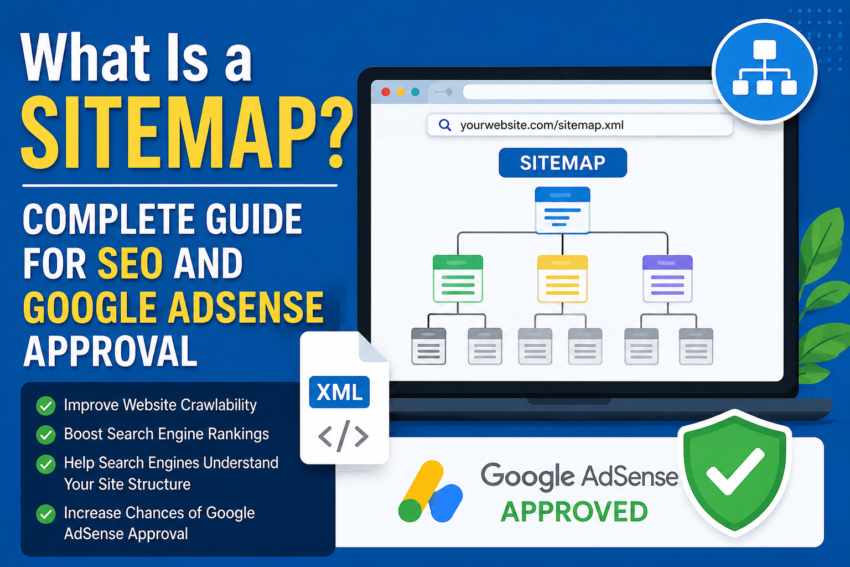
In today’s digital world, creating a website is not enough. You also need to ensure that search engines can properly discover, crawl, and index your content. Many beginners focus only on publishing articles but ignore technical SEO elements such as sitemaps. However, a sitemap plays a major role in helping search engines understand your website structure and find your content quickly.
A proper sitemap not only improves search engine optimization (SEO) but can also increase the chances of getting approved for Google AdSense. Google reviews website quality, accessibility, structure, and indexing before approving an AdSense application. A sitemap helps search engines access your website efficiently, which creates a better overall impression.
In this article, you will learn what a sitemap is, why it is important, how it works, different types of sitemaps, and how to create one for better SEO and AdSense approval.
What Is a Site map?
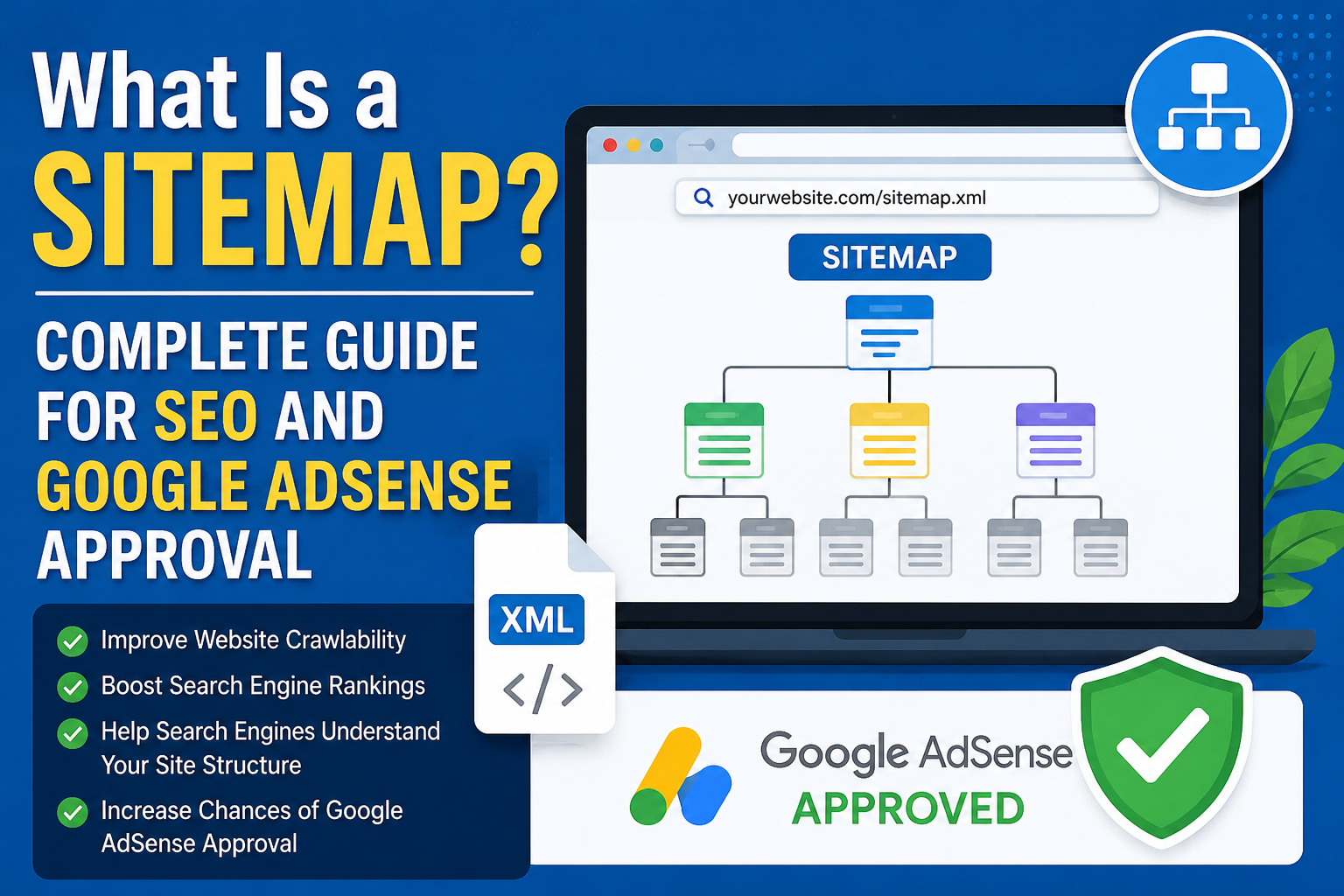
A sitemap is a file that contains a list of important URLs on your website. It acts like a roadmap for search engines such as Google, Bing, and Yahoo. The site map helps search engine crawlers understand which pages exist on your website and which pages are important.
In simple words, a site map is a map of your website. Just like a city map helps people find roads and locations, a site map helps search engines locate website pages easily.
Most websites use XML site maps because they are specifically designed for search engines. Some websites also use HTML site maps to help visitors navigate through pages.
Why Is a Site map Important?
A sitemap is extremely useful for both small and large websites. It provides several SEO and indexing benefits.
1. Faster Indexing
Search engines use bots to crawl websites. A site map helps those bots discover new pages quickly. When you publish a new article, it can appear faster in Google Search if your site map is updated properly.
2. Better SEO Performance
A sitemap improves technical SEO by helping search engines understand your website structure. Proper crawling and indexing can improve your visibility in search results.
3. Helps Search Engines Discover Important Pages
You can highlight valuable pages through your site map. This allows search engines to focus on important content first.
4. Useful for Large Websites
Websites with hundreds or thousands of pages benefit greatly from site maps because crawlers can access content in a more organized way.
5. Detects Crawling Problems
After submitting your site map to Google Search Console, you can identify indexing or crawling errors more easily.
Types of Sitemaps
There are mainly two types of site maps.
XML Sitemap
An XML sitemap is designed for search engines. It contains important website URLs along with additional information such as the last update date.
Example:
HTML Site map
An HTML sitemap is designed for website visitors. It usually contains clickable links to important pages and categories.
Why Is a Site map Important for Google AdSense Approval?
Many people think writing articles is enough to get AdSense approval. However, Google also checks website quality, technical setup, accessibility, and indexing.
A site map helps improve those technical factors.
Easy Content Discovery
Without a site map, Google may not discover all pages on your website. Some articles may remain unindexed.
Professional Website Structure
Websites with proper site maps, robots.txt files, and organized navigation look more professional and trustworthy.
Reduces Crawl Errors
A sitemap helps search engine bots crawl your website efficiently, reducing technical crawling issues.
Helps New Websites Grow Faster
New websites often struggle with indexing problems. A site map can significantly improve indexing speed.
How to Create a Site map
Creating a site map is simple nowadays. Most website platforms provide automatic site map generation.
For WordPress Websites
WordPress users can easily create sitemaps using SEO plugins.
Popular plugins include:
- Yoast SEO
- Rank Math
- All in One SEO
After installation, these plugins automatically generate a site map.
Typical site map URL:
For Blogger Websites
Blogger automatically generates a site map.
Example:
For Custom Websites
Custom websites can use online sitemap generator tools to create XML site maps.
How to Submit a Site map to Google Search Console
After creating a site map, you should submit it to Google Search Console.
Follow these steps:
- Log in to Google Search Console
- Select your website
- Open the Site map section
- Enter your site map URL
- Click Submit
Once submitted, Google will start crawling and indexing your pages.
Best Practices for Creating a Site map
Include Only Important Pages
Do not add duplicate or low-quality pages to your sitemap.
Avoid Broken URLs
Broken links can negatively affect SEO performance.
Keep the Sitemap Updated
Whenever you publish new content, your sitemap should update automatically.
Use HTTPS URLs
Secure websites are more trusted by Google. Always use HTTPS links.
Sitemap vs Robots.txt
Many beginners confuse sitemaps with robots.txt files. However, they serve different purposes.
Sitemap
A sitemap tells search engines which pages should be crawled.
Robots.txt
A robots.txt file tells search engines which pages should not be crawled.
Using both together improves website optimization.
Problems of Not Having a Site map
Although a website can work without a site map, several problems may occur:
- Slow indexing of new pages
- Some pages may never appear in Google Search
- Poor crawl efficiency
- Reduced SEO performance
- Delayed AdSense approval
For new websites, a site map is especially important.
Features of a Good Site map
A high-quality site map should:
- Have a clean structure
- Include only valuable URLs
- Update regularly
- Contain no errors
- Use HTTPS links
- Be submitted to Search Console
Common Sitemap Mistakes Beginners Make
Not Submitting the Site map
Some website owners create a site map but never submit it to Google Search Console.
Adding Duplicate URLs
Duplicate content URLs can create SEO problems.
Including Low-Quality Pages
Not every page needs to appear in the site map.
Keeping Broken Links
Broken URLs reduce website quality and user experience.
Additional Tips for Google AdSense Approval
A site map is important, but it is not the only requirement for AdSense approval.
Publish Unique Content
Your content should be original, informative, and valuable.
Create Important Pages
Every professional website should include:
- About Us
- Contact Us
- Privacy Policy
- Disclaimer
Make the Website Mobile Friendly
Most users browse websites from mobile devices. Responsive design is essential.
Improve Website Speed
Fast-loading websites provide a better user experience.
Use Copyright-Free Images
Avoid using copied or copyrighted images.
Publish Content Regularly
Consistent publishing improves website trust and authority.
Important Sit emap Tips
- Use multiple site maps for very large websites
- Remove unnecessary tag pages
- Monitor Search Console regularly
- Check indexing reports frequently
- Ensure automatic site map updates
Conclusion
A sitemap is one of the most important technical elements of a website. It helps search engines crawl and index your content efficiently, improves SEO performance, and increases the chances of getting approved for Google AdSense.
For new bloggers and website owners, having a proper site map is essential. It allows Google to understand your website structure and discover your content quickly. Combined with high-quality articles, good website design, and strong SEO practices, a site map can help your website grow successfully in the long term.
If you want better indexing, improved SEO, and a professional website structure, you should create and submit a site map as soon as possible.